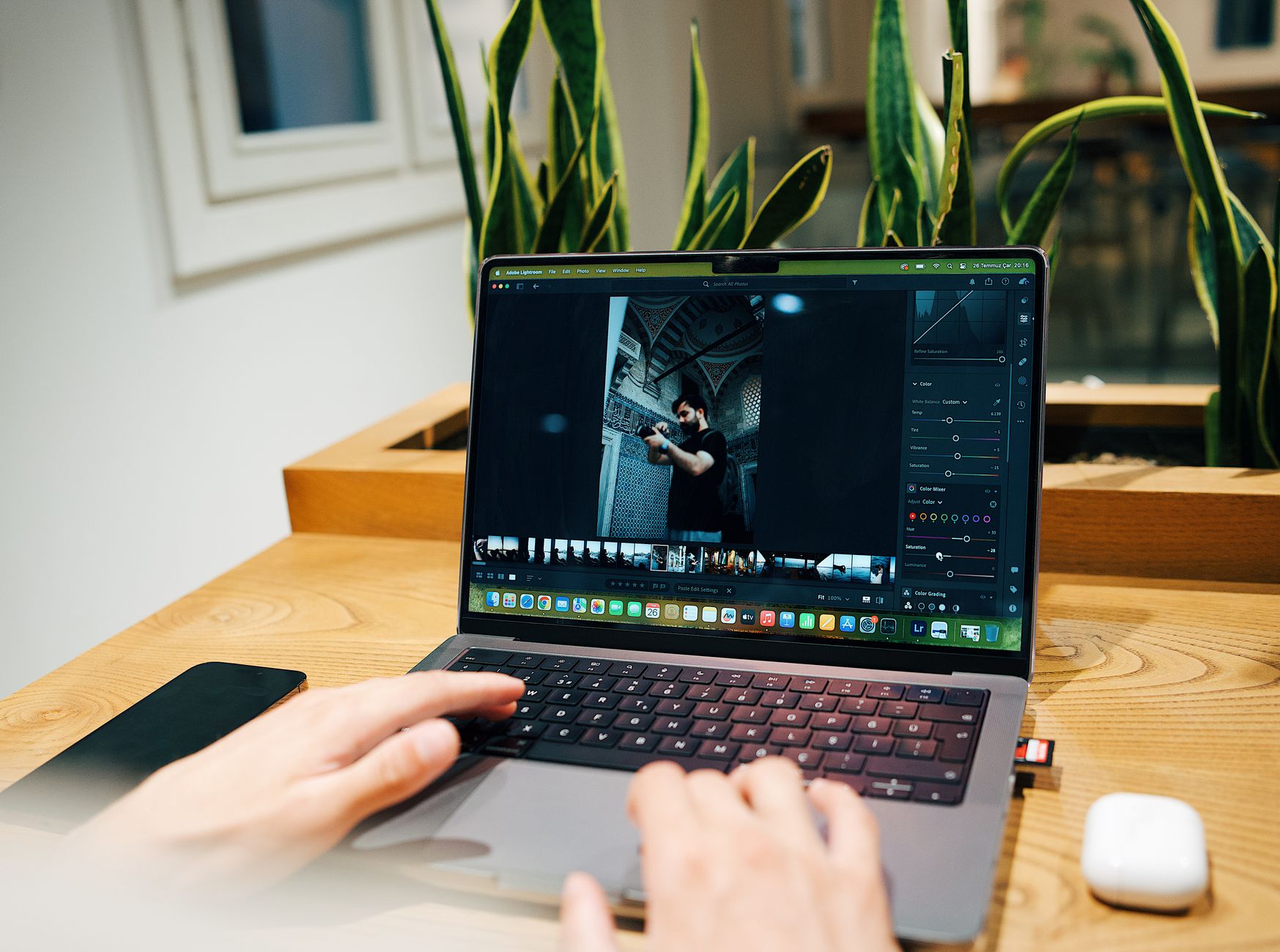
Most businesses upload images the way they answer their phone—distracted, rushed, without much thought. A few nice photos, maybe a stock hero image, done. But photography determines whether Google trusts your page, whether visitors stay or bail in three seconds, and whether your brand looks credible or cobbled together on a weekend.

The gap shows up fast. Better search rankings. Higher conversion rates. Visitors who actually scroll instead of bouncing. Photography isn’t decoration—it’s infrastructure, and when you pair it with SEO strategy, it becomes one of your most effective tools for visibility.
Why Search Engines Care About Your Images
Google can’t see images the way you do. It reads metadata, analyzes context, evaluates how people behave on pages containing those images. Someone lands on your page and leaves immediately? Low-quality signal. They scroll, click, spend time engaging? That tells search engines your page delivers.
Photography directly shapes those engagement signals. A page with clear, relevant images keeps people reading. A page with slow-loading stock photos that feel disconnected pushes them away in seconds.
Image search drives traffic too—often better traffic. People searching visually are further along in their decision-making. They know what they want to see. If your images appear in those results with proper optimization, you capture intent-driven traffic competitors miss entirely.
The Technical Side That Actually Matters
File names matter more than you think. Uploading “IMG_4738.jpg” wastes an opportunity to tell search engines what that image contains. Rename it to “modern-office-interior-natural-light.jpg” and you’ve added context before the image even loads.
Alt text serves two purposes: accessibility for screen readers and search engine context. Describe what’s actually in the photo. Include relevant keywords where they fit naturally. A photo of your team installing solar panels? “Solar panel installation crew on residential roof in Austin Texas” beats “team working” by a mile. Don’t stuff keywords. Just describe reality.
Image size kills page speed, and page speed affects rankings. A 4MB hero image might look sharp, but if it takes eight seconds to load, you’ve lost 53% of mobile visitors before they see it. Compress everything. Use WebP format when possible—it cuts file sizes 25-35% compared to JPEG without visible quality loss. Lazy loading helps too, especially on pages with ten or more images.
Structured data adds another edge. Schema markup for images can surface your content in rich results, featured snippets, enhanced search displays. Not mandatory, but these small advantages compound.
The One Rule Photography Must Follow for SEO
Every image should serve a purpose. If you can’t explain why a photo exists on a page, delete it.
Purpose-driven photography supports the content around it. A roofing service page benefits from images showing actual installations, crew members on job sites, completed projects in your service area. A blog post about local marketing needs visuals reinforcing the concepts discussed—not stock photos of people shaking hands in a conference room that could illustrate literally anything.

Photo by www.kaboompics.com on Pexels
Consistency matters too. When your photography style lurches from page to page—professional shots here, phone snapshots there, stock images everywhere else—it creates visual noise that screams “we don’t have our act together.” A cohesive visual identity makes your brand easier to recognize and signals professionalism to both visitors and search algorithms.
What David Yarrow’s Approach Teaches About Visual Impact
David Yarrow shoots wildlife and environmental photography with dramatic composition and emotional intensity. Extreme perspectives. High contrast. Narrative tension that demands attention. Most businesses won’t replicate his specific style, but the principle applies everywhere: photography should tell a story, not fill space.
Storytelling through images creates connection faster than text. A contractor showing before-and-after shots tells a transformation story. A restaurant displaying fresh ingredients being prepped tells a quality and care story. These narratives build trust in seconds.
Yarrow’s use of black and white strips away distraction and focuses on form and emotion. For businesses, this translates to intentional choices about color, lighting, composition. You don’t need a $15,000 camera body for every image, but you do need intention behind what you choose and how you present it.
Michael Anthony’s Authenticity Approach and Brand Differentiation
Michael Anthony shoots with authenticity over polish. Real moments without over-staging. Images that feel genuine rather than manufactured. This works exceptionally well for businesses trying to stand out in crowded markets.
Authenticity beats perfection in most contexts. A local HVAC company showing actual team members at real job sites builds more credibility than stock photos of models in spotless uniforms holding clipboards. People spot the difference instantly, and that difference shapes whether they trust you enough to call.
Custom photography separates you from competitors using the same stock libraries. When three plumbers in your city use identical hero images—the same wrench, the same hands, the same white background—none of them stand out. When you invest in original visuals reflecting your actual work, location, and brand personality, you create visual equity competitors can’t copy.
How Different Industries Should Approach Photography
Service businesses need proof. Show the work being done, the tools being used, the people doing it. A plumber showing a clean PEX installation with proper crimping beats a generic wrench photo every time. An electrician showing a neat panel upgrade with labeled circuits and proper wire management? That builds trust.
Retail and e-commerce rely on product photography that answers questions before they’re asked. Multiple angles. Scale references—a hand holding the product, the item next to familiar objects. Context shots showing it in use. If someone can’t visualize how a product looks or fits into their life, they won’t buy it. Product photography with multiple viewing angles increases conversions for certain categories.

Professional services can’t photograph consulting or legal advice. Focus instead on the people delivering those services and the environments where they work. Office spaces that look like actual workplaces, not staged sets. Team interactions that feel real. Client-facing moments that humanize abstract services.
Restaurants and hospitality need to make people hungry or curious. Food photography requires specific lighting—natural light or carefully diffused artificial light—and styling that looks appetizing rather than greasy or flat. Interior shots should capture atmosphere: the warm glow during dinner service, the bustling energy of a full dining room, the quiet intimacy of a corner booth. Make someone imagine themselves there.
Building a Photography Strategy That Supports SEO
Start with an audit. Look at every image on your site and ask: Does it serve a purpose? Does it load in under two seconds? Does it include proper file naming and alt text? Remove anything that doesn’t contribute to user experience or SEO goals.
Create a style guide. Define what types of images align with your brand, what colors and compositions work best, what tone you want to convey. This doesn’t require a 40-page document. A simple guide with examples and guidelines—”We use natural light, authentic moments, and avoid overly staged compositions”—keeps visual content consistent as you add pages and posts.
Plan photography around content, not the other way around. When you write a blog post or build a service page, identify what images would support that content most effectively. Then source or create those specific images rather than grabbing whatever’s convenient from your stock library.
Invest selectively in custom photography. You don’t need original images for every page, but hero sections, key service pages, and about pages benefit significantly from custom visuals. Budget for professional photography covering your priority pages. Use high-quality stock images strategically everywhere else, but choose carefully—avoid images that appear on competitors’ sites.
Local SEO and Location-Specific Photography
If you serve a specific geographic area, your photography should prove it. Images of recognizable local landmarks, actual job sites in your service area, real community connections strengthen local SEO signals.
Google evaluates local relevance through multiple factors, and visual content contributes. A landscaping company showing completed projects in identifiable neighborhoods with distinctive local features signals local expertise more effectively than generic yard photos that could be anywhere.
Geotagging images adds another layer. When you upload photos taken at specific locations with GPS data embedded, it helps search engines understand your geographic footprint. This matters most for businesses relying on “near me” searches and local pack rankings. Most smartphones embed this data automatically; just don’t strip it during compression.

Photo by cottonbro studio on Pexels
Common Photography Mistakes That Destroy SEO
Using massive file sizes tops the list. A 5MB image might look great on your 4K monitor, but it destroys page speed on mobile devices where 70% of web traffic happens. Compress everything to under 200KB for standard images, under 500KB for hero images. Tools like TinyPNG or Squoosh handle this in seconds.
Ignoring alt text wastes easy opportunities. Every image should have descriptive alt text helping search engines and screen readers understand what’s shown. Not “image1” or “photo.” Actual descriptions.
Relying entirely on stock photography creates sameness. When your site looks identical to competitors because you’re all pulling from Unsplash or Shutterstock, you lose the visual differentiation that helps people remember you. Stock images appear on average across multiple websites. Your hero image might appear on competitors’ sites as well.
Adding images unrelated to content confuses both visitors and search engines. If your blog post discusses email marketing and the images show construction workers, the disconnect weakens topical relevance and makes the page feel slapped together.
Measuring the Impact of Photography on SEO
Track engagement metrics. Compare pages with strong, relevant photography to pages with weak or missing images. Look at time on page, scroll depth, bounce rate. The differences reveal how much visual content matters to your audience.
Monitor image search traffic in Google Search Console. You can see which images drive clicks, what queries trigger them, how that traffic converts compared to text-based search. Image search often delivers lower volume but higher intent—people who know exactly what they want.
Test different approaches. A/B test hero images, product photos, blog post visuals to see what resonates. Small improvements in engagement compound into significant SEO gains.
Pay attention to page speed scores. Google’s PageSpeed Insights flags images slowing down your site. Address those issues systematically, starting with highest-traffic pages. Every improvement in load time correlates with better conversion performance.
Integrating Photography Into Content Workflows
Make image optimization part of your standard process. Before any page goes live, verify that images are compressed, properly named, and include alt text. This takes three minutes but prevents performance issues and missed opportunities.
Build an image library organized by topic, style, use case. When you need a photo for a new blog post or service page, you can pull from existing assets rather than starting from scratch. Tag images clearly: “team-photo-office-2024” or “completed-project-residential-roofing-cedar-park.”
Create templates for common page types. If service pages always need a hero image, three supporting visuals, and a call-to-action image, standardize those requirements. Maintain consistency across your site without reinventing the wheel each time.
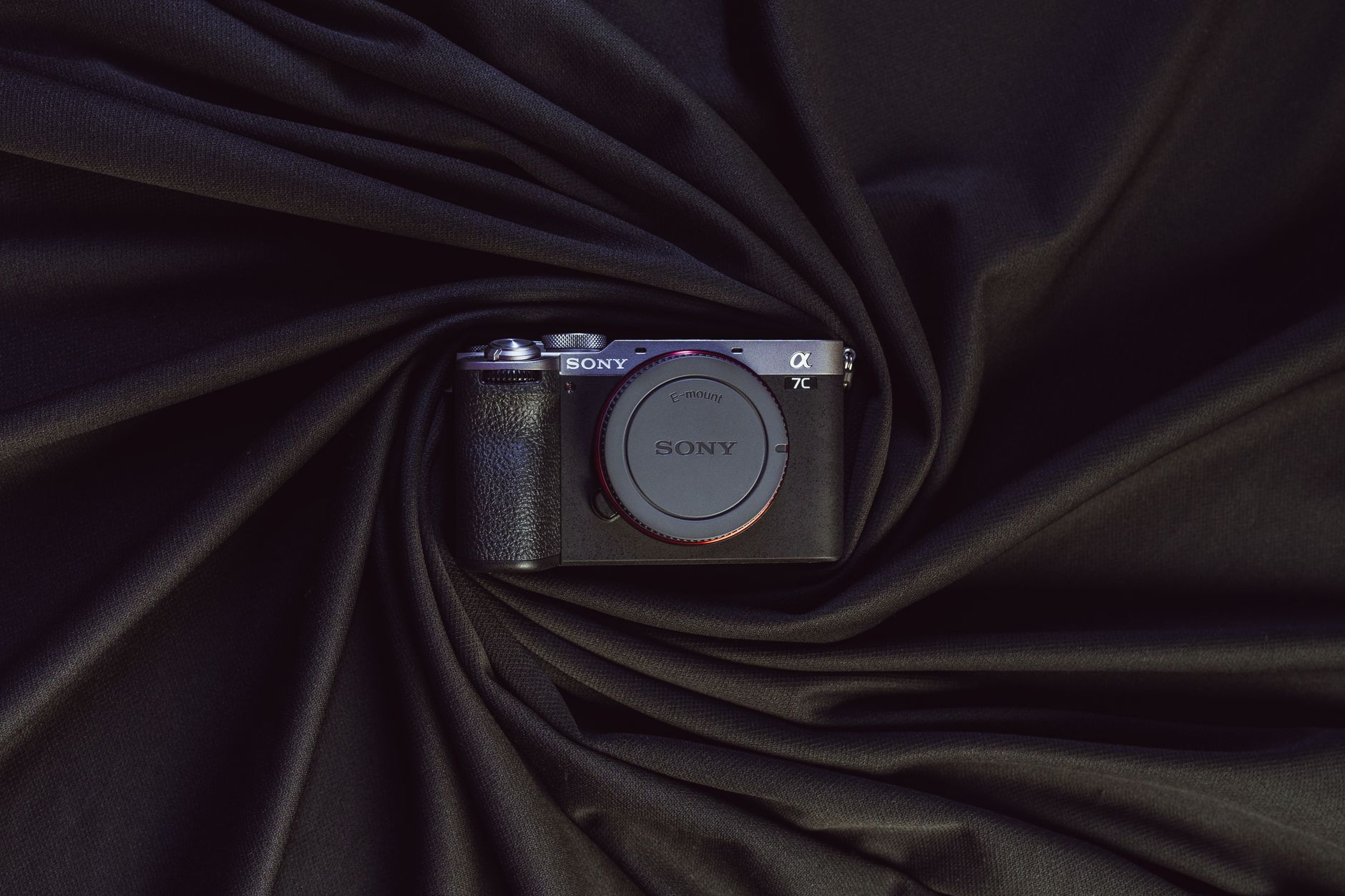
Photo by Masood Aslami on Pexels
Collaborate between content creators and whoever sources visuals. Writers should communicate what images would best support their content. Whoever creates or sources those images should understand the context and goals of each piece. This prevents the disconnect where a great article gets paired with completely irrelevant stock photos.
The Long-Term Value of Strategic Photography
Photography compounds. Each optimized image becomes another entry point for organic traffic. Each authentic visual builds brand recognition. The businesses treating photography strategically pull steadily ahead of competitors treating it as an afterthought.
You don’t need a massive budget or professional equipment for every image. You need intention, consistency, and willingness to optimize the technical details most people ignore. Those details add up to better search visibility, stronger engagement, and a digital presence that actually reflects the quality of your work.
Start with pages that matter most. Fix technical issues. Replace the worst offenders. Build from there. The gap between where you are and where you could be is smaller than it looks, and the impact shows up faster than you expect.
Frequently Asked Questions
How does photography impact SEO?
Photography improves page engagement and signals content quality to search engines. Optimized images also appear in image search results, driving additional organic traffic.
What photography styles work best for different industries?
Service businesses benefit from authentic documentation showing real work and teams. Retail needs multi-angle product shots with scale references. Professional services should focus on people and environments. Restaurants require appetizing food photography and atmospheric interior shots that make viewers imagine being there.
How do I optimize photography for search engines?
Use descriptive file names like “team-installing-solar-panels-austin.jpg” instead of “IMG_4738.jpg.” Add alt text describing what’s actually shown. Compress images to under 200KB for standard photos, under 500KB for hero images. Use WebP format when possible for smaller file sizes without quality loss.
Should I use stock photography or custom photography?
Custom photography builds authenticity and differentiation—critical for hero sections, service pages, and about pages. Stock photography offers speed and cost efficiency for supporting visuals. Most effective strategies combine both: invest in custom photography for priority pages, use carefully selected stock images elsewhere, avoiding photos that appear on competitors’ sites.
Strong photography paired with smart SEO strategy transforms how your business appears online. At Ink Speak, we build content systems combining visual impact with search visibility, helping small businesses and growing brands stand out. Let’s discuss how photography can strengthen your digital presence.

Photo by Amar Preciado on Pexels
Strong photography paired with smart SEO strategy transforms how your business appears online. At Ink Speak, we build content systems that combine visual impact with search visibility, helping small businesses and growing brands stand out. Let’s discuss how photography can strengthen your digital presence.